Terminal
The app's built-in help for this screen, as shipped in quodeq 1.13.1. Edit this page on GitHub
A real shell inside the dashboard: your login shell, on your machine, with your tools. quodeq only hosts the window.
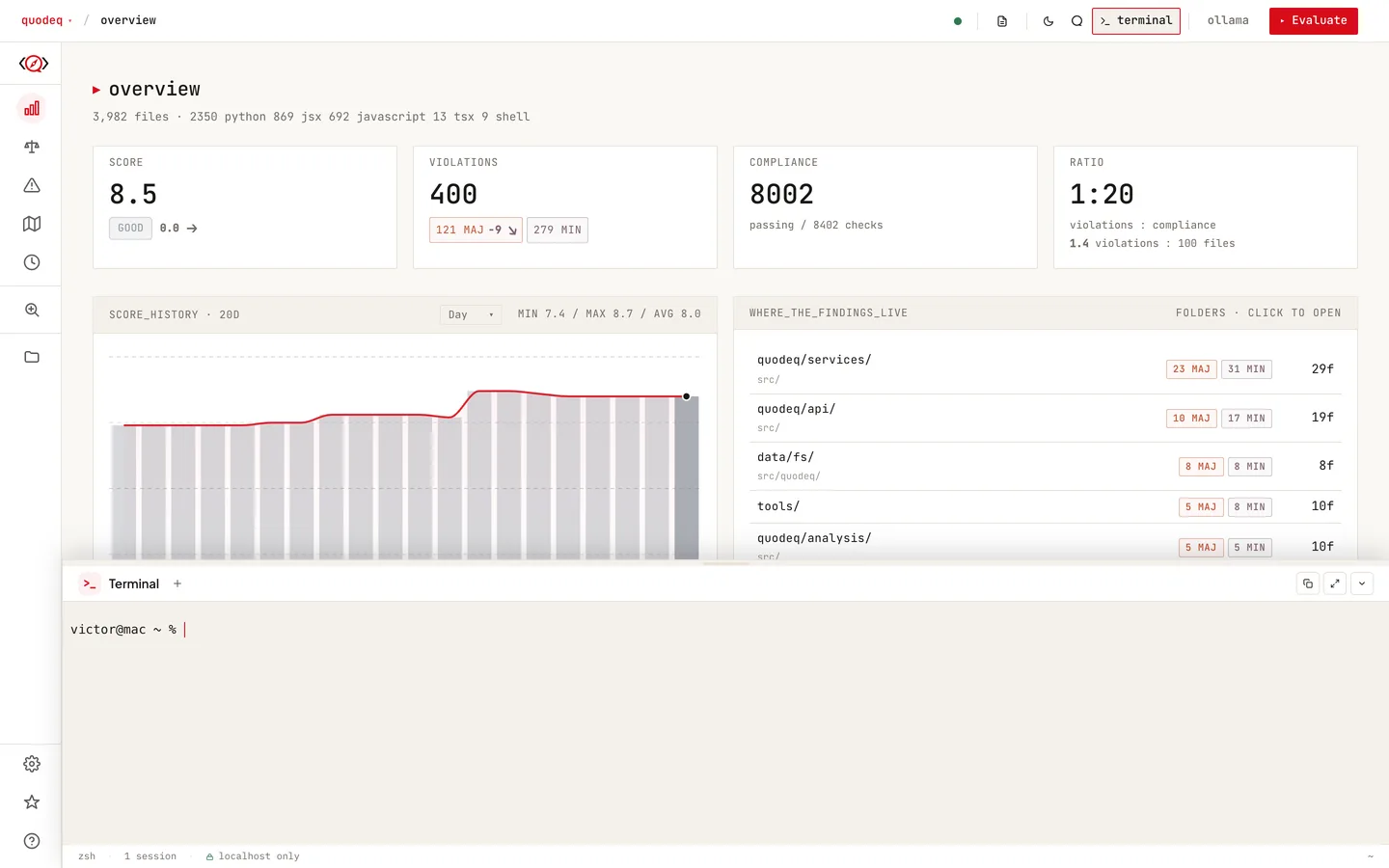
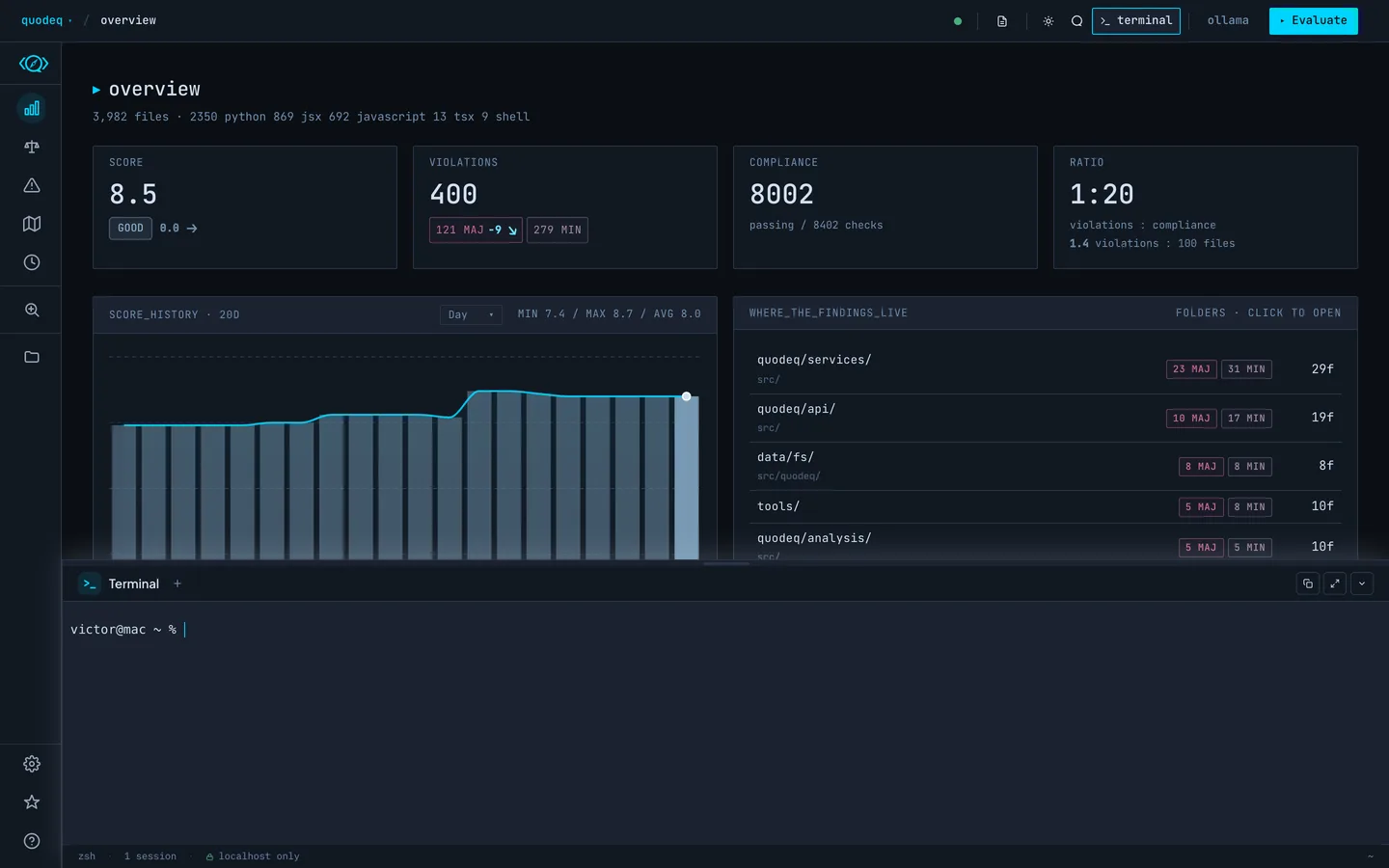
Turning it on
On by default; turn it off under Settings → Enable terminal. Toggle it with Shift+Ctrl+` (Shift+Cmd+` on macOS). It shares the bottom drawer with the assistant; switch between them with the drawer tabs.
How the session behaves
- One session, started in your home directory with your default shell.
- It keeps running when you close the drawer, switch tabs, or reload the page. The session lives in the dashboard server, and recent output is replayed when you reconnect.
- One window at a time: opening it in a second browser window shows a busy notice instead.
Safety
The terminal only works when the dashboard is bound to localhost, and it is disabled entirely in remote mode (when QUODEQ_API_KEY is set). quodeq strips its own secrets from the shell environment. Beyond that it is exactly as powerful, and as dangerous, as your normal terminal.