Shared Repository
The app's built-in help for this screen, as shipped in quodeq 1.13.1. Edit this page on GitHub
An evaluations repository is a plain git repo where evaluations are published. It can be yours, to reach your results from every machine, or your team's, to exchange them. You publish a project's finished runs to it; anyone who connects the same repo sees that project in their own list, grades and findings included, without running anything themselves.
Connecting
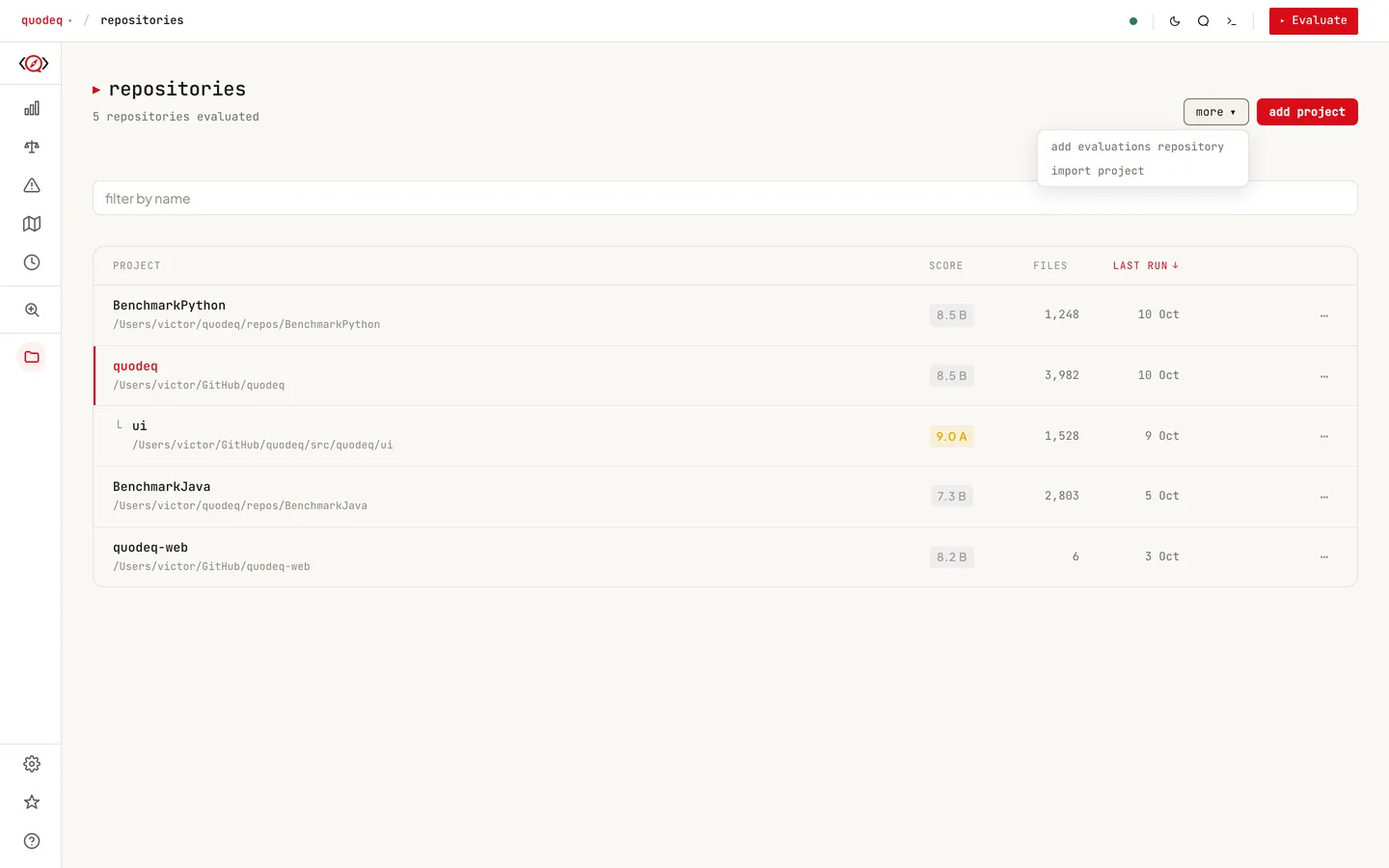
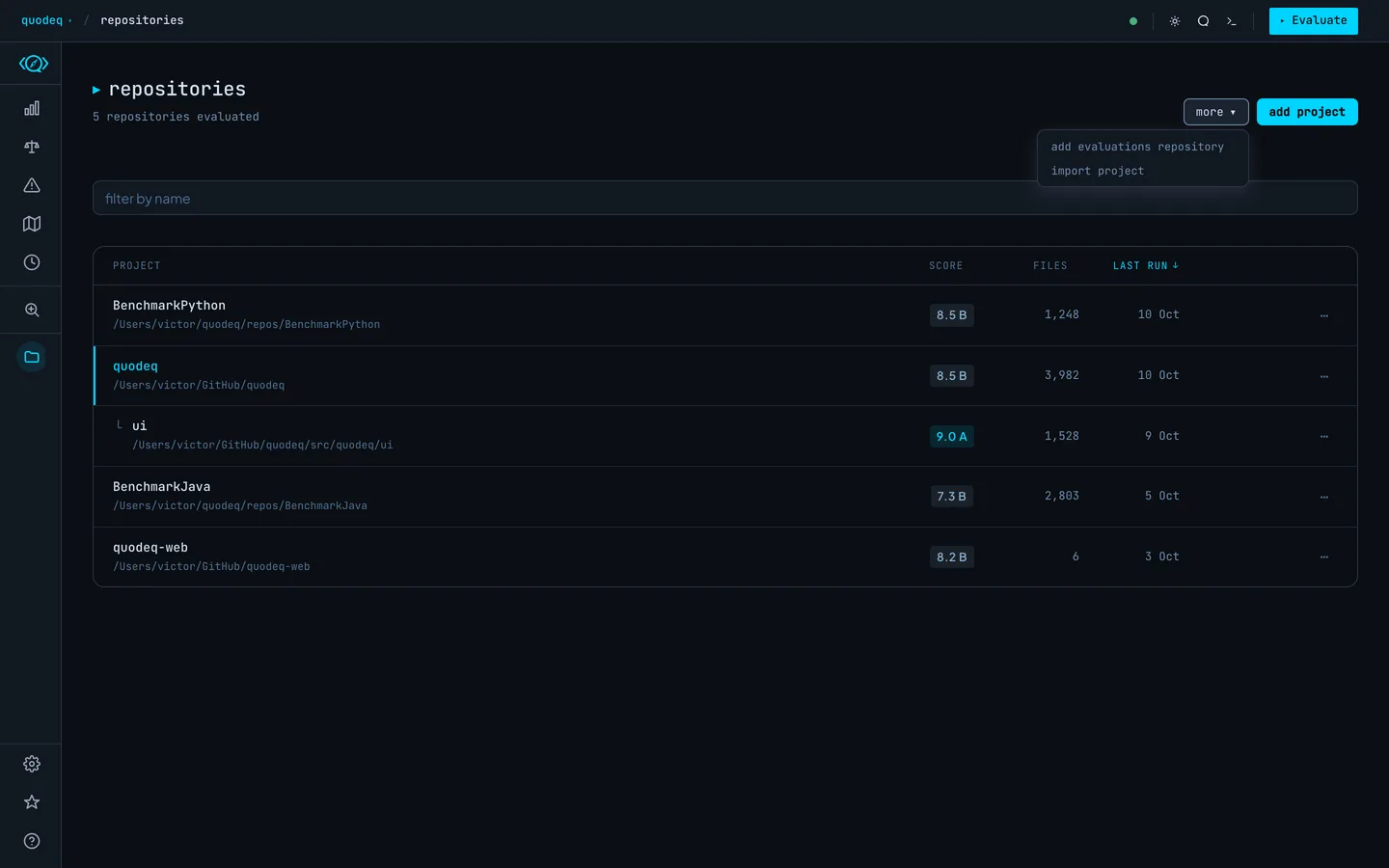
Connect it from the Repositories tab: open more ▾ in the header, choose add evaluations repository, paste the address, and watch the strip at the top download it. HTTPS (https://github.com/team/evaluations.git) and SSH (git@github.com:team/evaluations.git) forms both work. You can also connect from the welcome, which opens on a first run: its evaluations card has connect, and the panel closes while the strip streams the download. Instead of an address you can choose a local folder that is a git repository. Prefer a bare one (git init --bare), since publishing into a checked-out branch is refused. A folder that is not a git repository is rejected with a message saying so.
The strip stays while a repository is connected. It shows connecting, downloading evaluations with a percentage and size, reading projects with a count, then N projects · synced with a time. Press update to check again. If an update fails, the strip says update failed · showing results from a time, with retry; when you are offline it shows the last synced results the same way. copy invite puts a two-line message on your clipboard for teammates. The ⋯ menu has change repository and disconnect, and Settings keeps both too.
- An empty repository is fine. The first publish sets up the layout.
- A repository that already contains unrelated files is rejected, so you cannot accidentally point quodeq at a code repo and write into it.
- If the repo was written by a newer quodeq than yours, connecting fails with a message asking you to upgrade first.
Authentication
quodeq checks access before cloning and, when your git cannot reach the repository, offers to sign in with GitHub or use another method. See GitHub access. Interactive prompts are disabled for every git command quodeq runs.
- SSH needs the key loaded in your agent and the host already in
known_hosts. - HTTPS needs a credential helper holding a token. Interactive prompts are disabled, so a URL that would ask for a password fails instead of hanging.
Publishing
Once a repo is connected, local project cards grow a publish button. It uploads the project's completed runs and flips the card badge to PUBLISHED. When a newer run finishes later, the same button reads update.
- Only completed runs are published. Interrupted runs, and runs from old quodeq versions that predate run status tracking, are skipped.
- One publish runs at a time. While it is busy, the other publish buttons wait.
- Each publish records who and when, taken from your git
user.name. Teammates see it on the card.
What teammates see
Everyone connected to the same repo gets one merged projects list. Badges tell the entries apart:
| LOCAL | Exists only on this machine, not published yet. |
| PUBLISHED | A local project that is also in the shared repo. |
| REMOTE | A teammate's project, present only in the shared repo. |
The list renders instantly from the last synced copy, then checks the remote in the background. The strip shows updating…, synced with a time, or update failed · retry; update forces a new check.
Opening a shared project is read-only. You can browse every run and finding, but evaluating, dismissing findings, and deleting stay local-only. The header shows a shared · read-only chip as a reminder.
Pulling a project
A REMOTE card offers pull local copy: it imports the project, runs and all, into your local list so you can evaluate it yourself from there. The card shows downloading… while it works and pulled to local when done; a failed pull shows an error message. If a local project already has that name, quodeq asks whether to import it as a copy.
Disconnecting
disconnect, in the strip's ⋯ menu or in Settings, forgets the URL and deletes the local cache of the repo. Nothing in the shared repo itself is touched; reconnect later and everything is still there.
Where the clone lives
quodeq keeps its working clone of the shared repo under
~/.quodeq/cache. SetQUODEQ_CACHE_ROOTto put it somewhere else.