Running Evaluations
The app's built-in help for this screen, as shipped in quodeq 1.13.1. Edit this page on GitHub
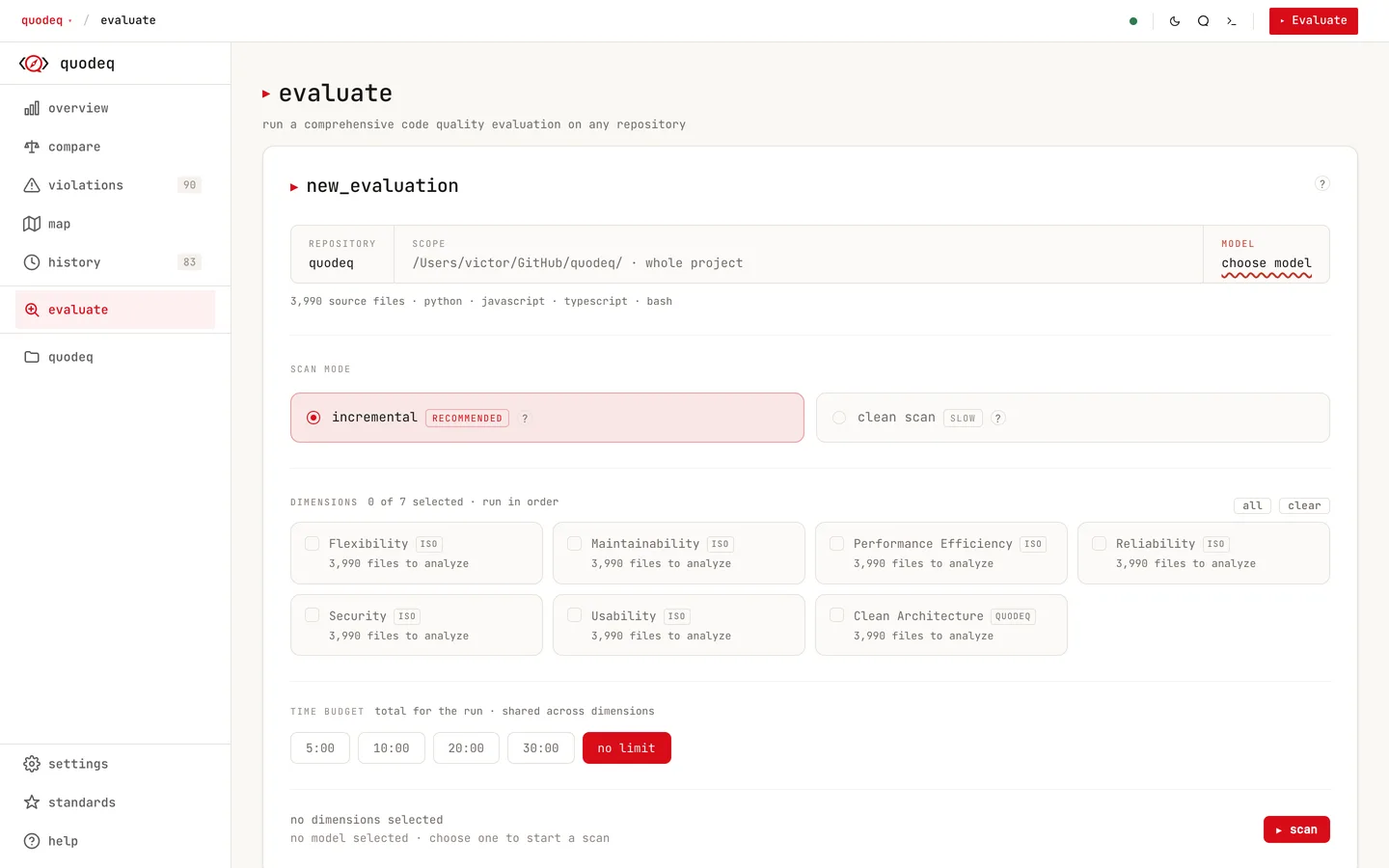
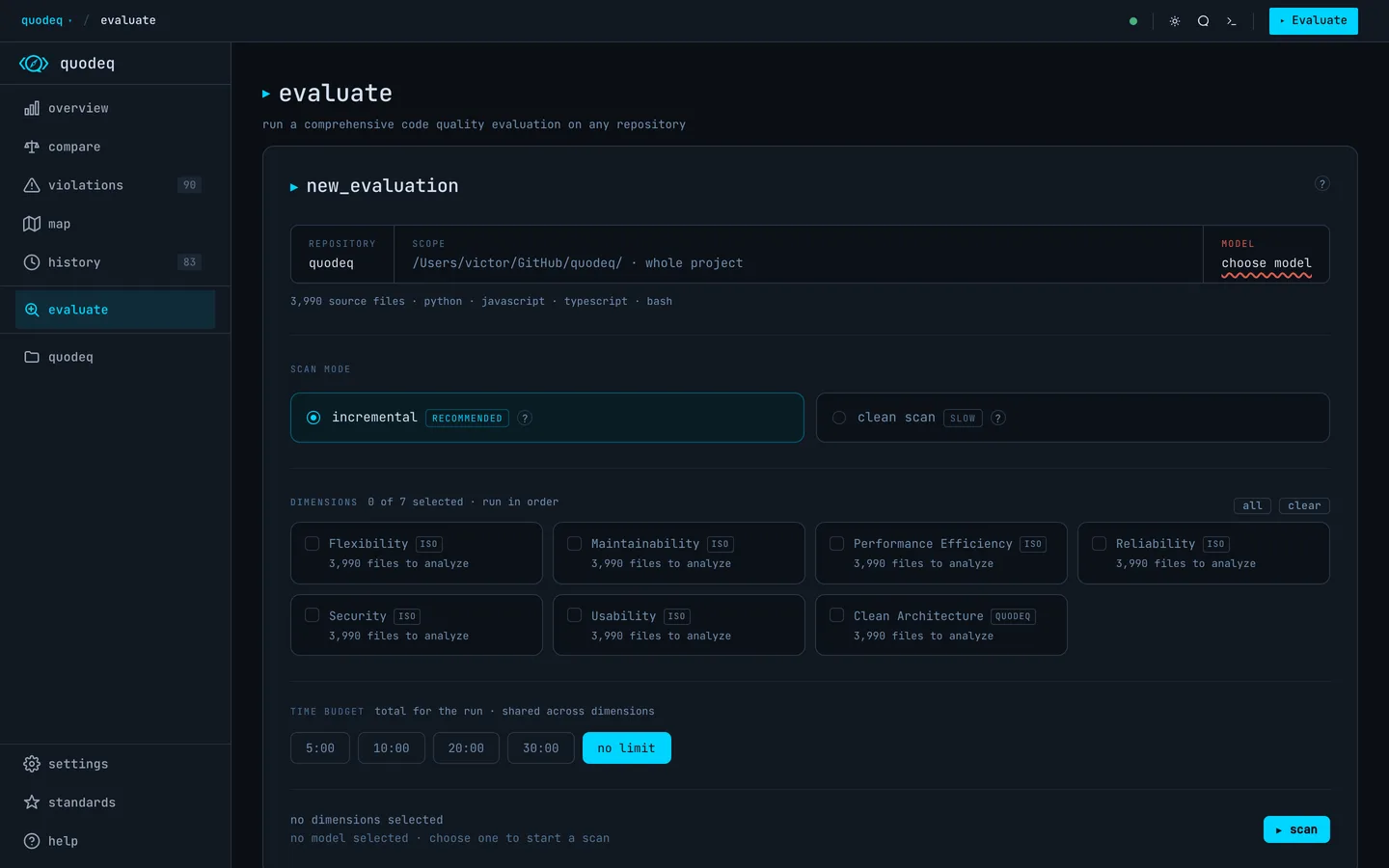
The Evaluate tab is where you start, watch, and finish a run. The same screen handles configuration, live progress, and the result hand-off.
Inputs
| Local path | /path/to/your/project |
| GitHub URL | https://github.com/org/repo |
| SSH path | git@github.com:org/repo.git |
Options
- Dimensions which quality dimensions to include. Hidden dimensions in Standards are skipped automatically.
- Branch which git branch to analyze. Defaults to the repo default.
- Scope a subdirectory to focus on, e.g.
packages/frontend. Useful for monorepos. - Sub-agents how many parallel agents run. Higher is faster, costs more.
- Time budget a hard cap on run length. When the timer expires the run stops, whatever completed is scored, and the remaining files carry over to the next run.
Excluding paths
Add a .quodeqignore file at the scan root to keep fixture, vendored, or generated code out of every evaluation. One glob per line, relative to the root; naming a directory excludes everything under it. Exclusions apply everywhere files are collected, on top of the built-in skips (node_modules, dist, dot-directories).
Incremental and clean scans
By default, quodeq carries findings for unchanged files forward and re-evaluates only files that have changed since the last run. This keeps subsequent scans fast without losing coverage.
The Clean scan toggle forces a full re-analysis of every file. Use it after a big refactor, when you change standards, or whenever you want a fresh start. The toggle has three states:
- Off (default) incremental behavior. Unchanged-file findings are reused; only changed files are re-evaluated.
- Once the next scan runs clean. The toggle resets to Off automatically after that run completes.
- Permanent every scan runs clean until you turn the toggle off. Stored in
localStorageso it persists across sessions.
The Clean scan toggle is available both on the Scan form (before you start) and on the Re-evaluate card (after a run finishes).
What you see while it runs
The Evaluate tab streams a live phase indicator (detect → analyze → collect → score → report), an active provider badge, a countdown against your time budget, and a feed of findings as the agents discover them. Click any finding in the feed to jump straight to its file context, even mid-run.
Cancelling a run
Hit Cancel evaluation any time. You will be asked whether to keep partial findings (everything collected so far is scored as a partial run) or discard (the run is dropped). Completed dimensions are always scored on cancel; dimensions in flight stop where they are.
How runs end
Not every run ends with a clean done, and the run names its exit reason:
- Done every requested dimension completed. A run that skipped dimensions is not reported as done.
- Time limit reached the budget expired. Completed work is scored and the remaining files carry over to the next run.
- Cancelled you stopped it. Kept partials are scored; discarded ones are dropped.
- Failed the provider died mid-run. Findings collected before the failure are kept, and quodeq stops instead of retrying into the same error.
When it finishes
The result card offers View results, Evaluate again, or Back to project. Each completed run is added to history with its grade, score, and delta from the previous run.
Re-evaluating an existing project
From any project you can launch a fresh run on the same scope. Subsequent runs are added to History so you can track quality over time without losing previous results.