Quality Dimensions
The app's built-in help for this screen, as shipped in quodeq 1.13.1. Edit this page on GitHub
quodeq evaluates code across six dimensions derived from the ISO/IEC 25010 software-quality standard, plus two architecture dimensions you can opt into.
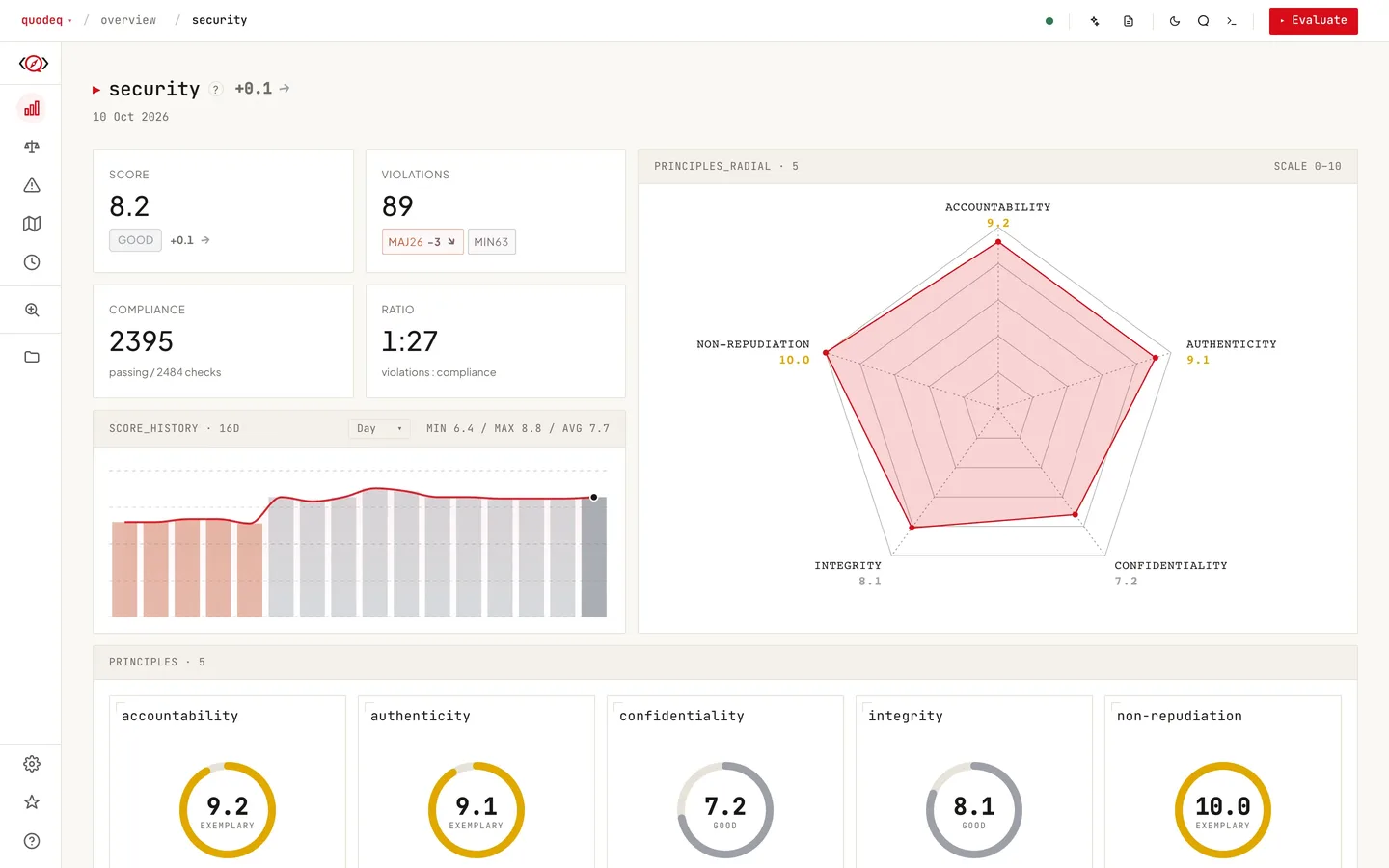
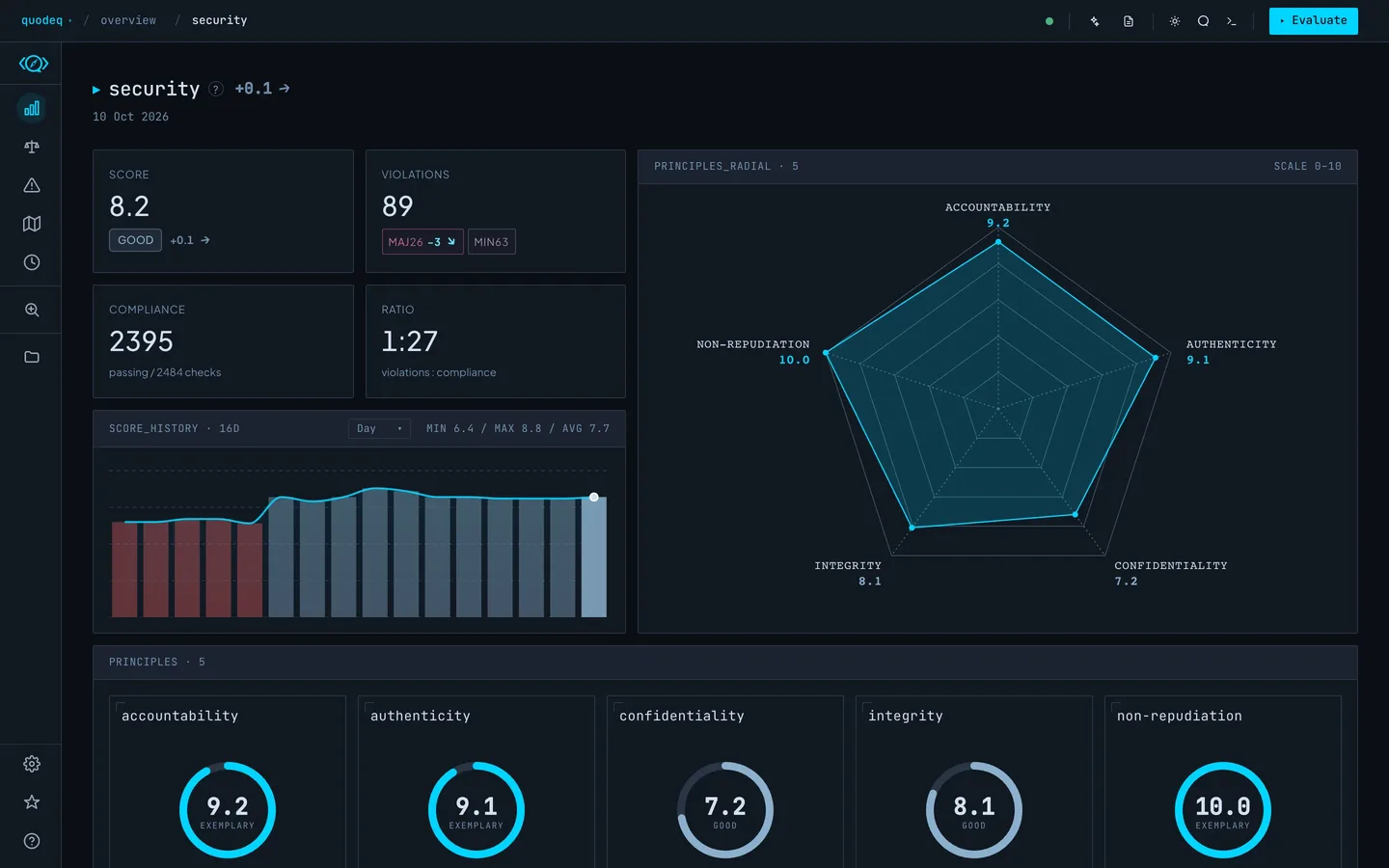
The six ISO dimensions
- Security vulnerabilities, authentication, data protection. Examples: SQL injection, hardcoded secrets, missing auth.
- Reliability error handling, fault tolerance, recovery. Examples: unhandled exceptions, missing retries, resource leaks.
- Maintainability clarity, modularity, testability. Examples: long functions, duplicated code, tight coupling.
- Performance efficiency, resource use, scalability. Examples: N+1 queries, memory leaks, missing caching.
- Flexibility extensibility, configurability, portability. Examples: hardcoded values, missing interfaces, vendor lock-in.
- Usability API design, documentation, developer experience. Examples: confusing APIs, missing docs, inconsistent naming.
Architecture dimensions (opt-in)
- Clean Architecture layer separation, dependency rules, import direction, boundary enforcement.
- DDD Design domain modeling, bounded contexts, aggregates, value objects, ubiquitous language.
Accessibility (opt-in)
- Accessibility WCAG 2.2 A and AA as applied to software by EN 301 549: text alternatives, contrast, text scaling, focus, target size, screen reader semantics and platform settings, for Android, iOS and web.
These ship disabled by default. Open Standards and click the eye on the dimension card to enable them. Once visible, they appear in Evaluate and Overview alongside the ISO six.
Showing and hiding dimensions
The visibility toggle on each standard card controls whether a dimension is part of evaluations and the Overview. Hide a dimension to ignore it without deleting any standards. Re-enable it any time, the next run will include it.
Scoring summary
Each dimension is scored 0 to 10 with a letter grade. The project grade averages enabled dimensions. Dimension weights apply only when enabled in Settings, Grade formula. Why This Grade explains how a principle is scored, and Grade Formula shows every parameter.