Repositories
The app's built-in help for this screen, as shipped in quodeq 1.13.1. Edit this page on GitHub
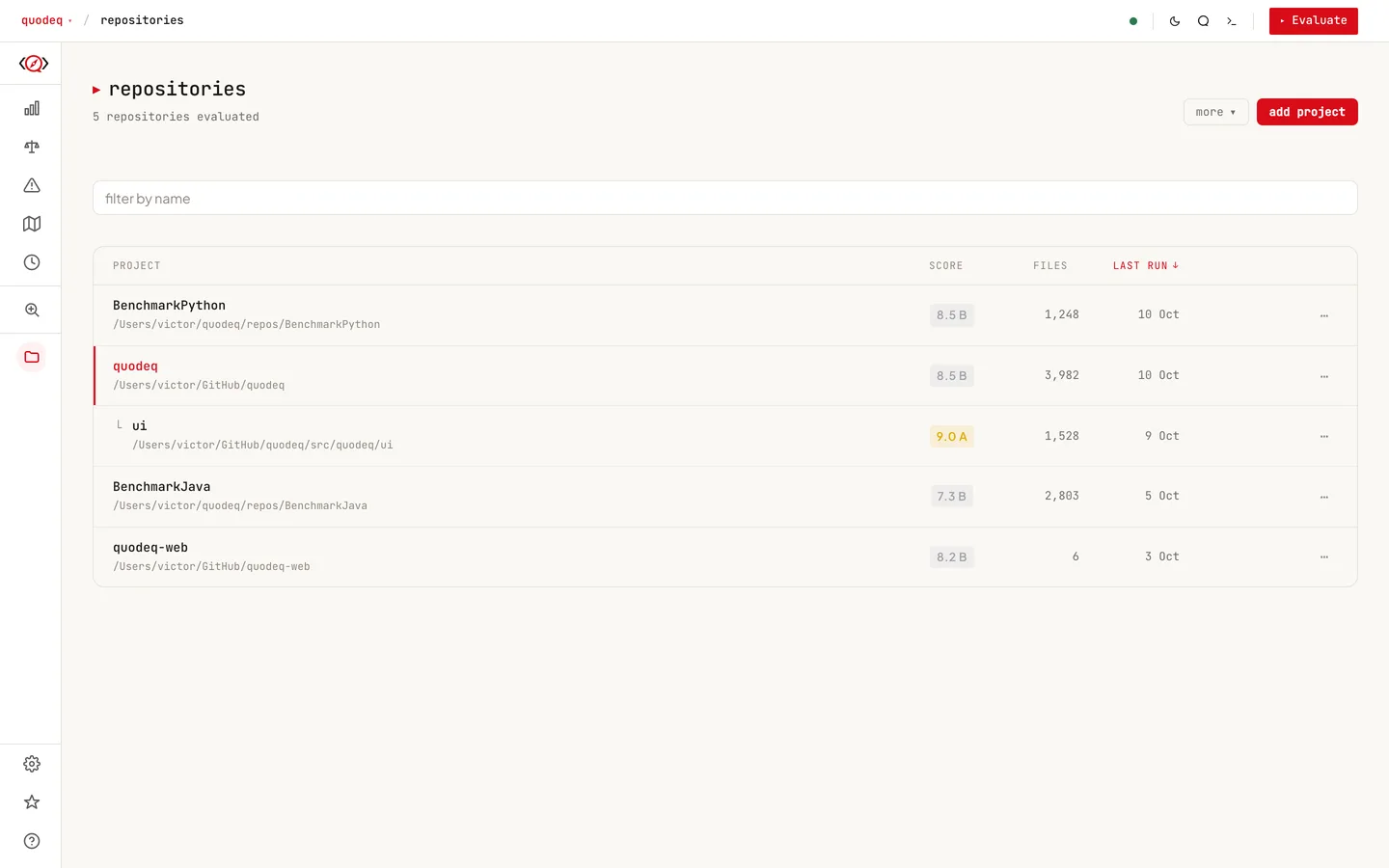
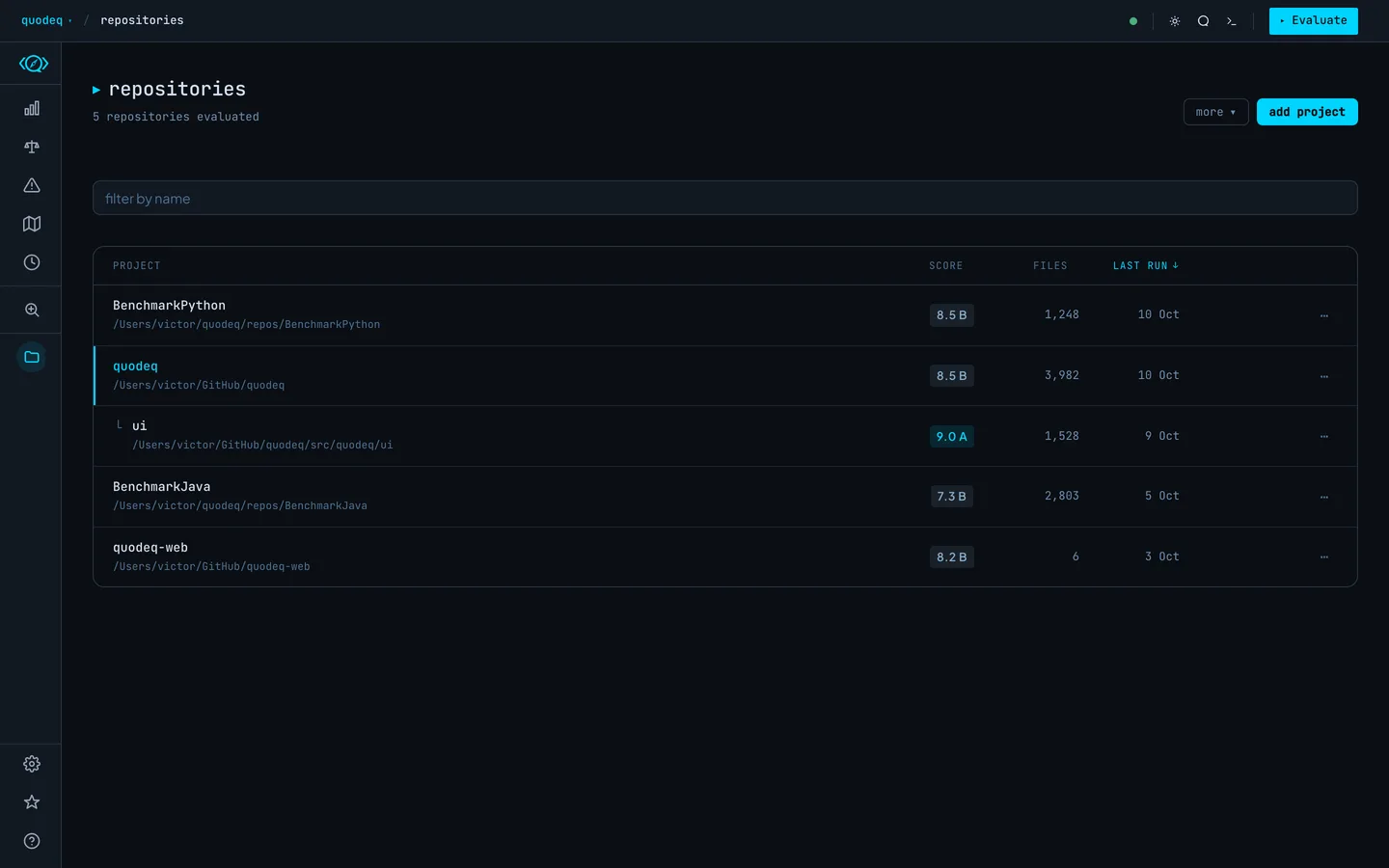
The Repositories tab is your home base. Every codebase you evaluate becomes a project with its own grade, score, and run history.
What each row tells you
- Grade and score from the latest run, on a 0 to 10 scale. After an update the grade can show a pulsing placeholder for a while: the score is recomputing in the background and lands on its own.
- File and line counts of the analyzed scope.
- Last run timestamp and the model that produced it.
- Setup state: projects with an interrupted onboarding show a Resume setup action.
What you can do
| Select project | Open it. Goes to Overview if it has runs, otherwise Evaluate. |
| Add evaluations repository | In the header's more ▾ menu (it reads change repository once one is configured): paste the address of a git repository where evaluations are published, yours or your team's, or choose a local folder that is a git repository. Once connected, a strip shows its state. |
| Add project | Open the add panel: paste a git address or a local folder path and press add. |
| Import project | Restore a project from an exported .zip, runs and history included (the header's more ▾ menu, or the welcome's An exported archive card). |
| Resume setup | Pick up an interrupted wizard with the same draft. |
| Relocate | Update the local path if the repo moved on disk. |
| Export | Download the project as a .zip with all its runs and history. It imports again with import project, on this machine or another. |
| Delete | Remove the project and all its runs. Not reversible. |
| Publish / update | Send completed runs to the connected evaluations repository. |
| Pull local copy | Import a teammate's shared project into your local list. |
While a repository is cloning in the background, a tile with a progress bar (percentage and size) sits at the top of the list. It becomes the project card when the clone finishes, or turns into an error card if it fails. Closing the panel never cancels a clone, and a clone you closed early only adds the project; it does not start an evaluation.
The header offers add project and a more ▾ menu with add evaluations repository (change repository once one is connected) and import project. With nothing here yet, the page shows the welcome's two paths instead: a repository to score (start opens the analyze screen), or an evaluations repository to connect. With an evaluations repository connected, a sync strip above the list shows its state, with update, copy invite, and a ⋯ menu for change repository and disconnect. A connect that fails comes back as a card under the header, with the address kept so connect retries it. Every card also carries a LOCAL, PUBLISHED, or REMOTE badge, and a location filter appears above the list. The Shared Repository help section covers the whole workflow.
Sub-projects and monorepos
You can evaluate a subdirectory of a repository as its own project by setting Scope in the wizard or in Evaluate. Each scoped run becomes a distinct project; quodeq detects the parent-child relationship and groups them in the list so you can compare quality across packages.
Wiping the slate
Projects, runs, and findings live under
~/.quodeq. Delete that directory and quodeq starts fresh, including the welcome wizard.