Assistant
The app's built-in help for this screen, as shipped in quodeq 1.13.1. Edit this page on GitHub
The assistant is a chat panel that knows your project. It explains scores, digs into findings, and drafts standards using the same data you see in the dashboard.
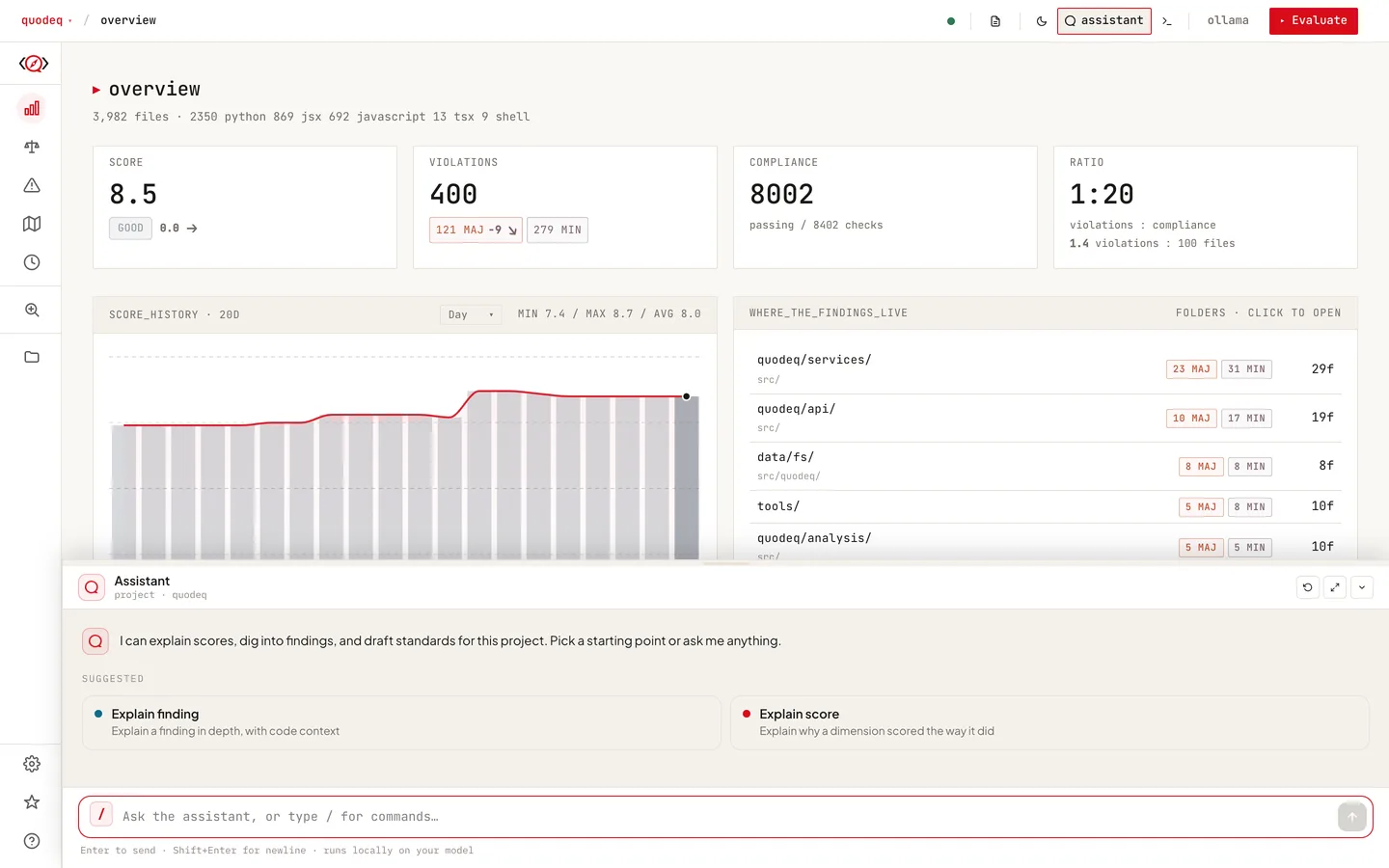
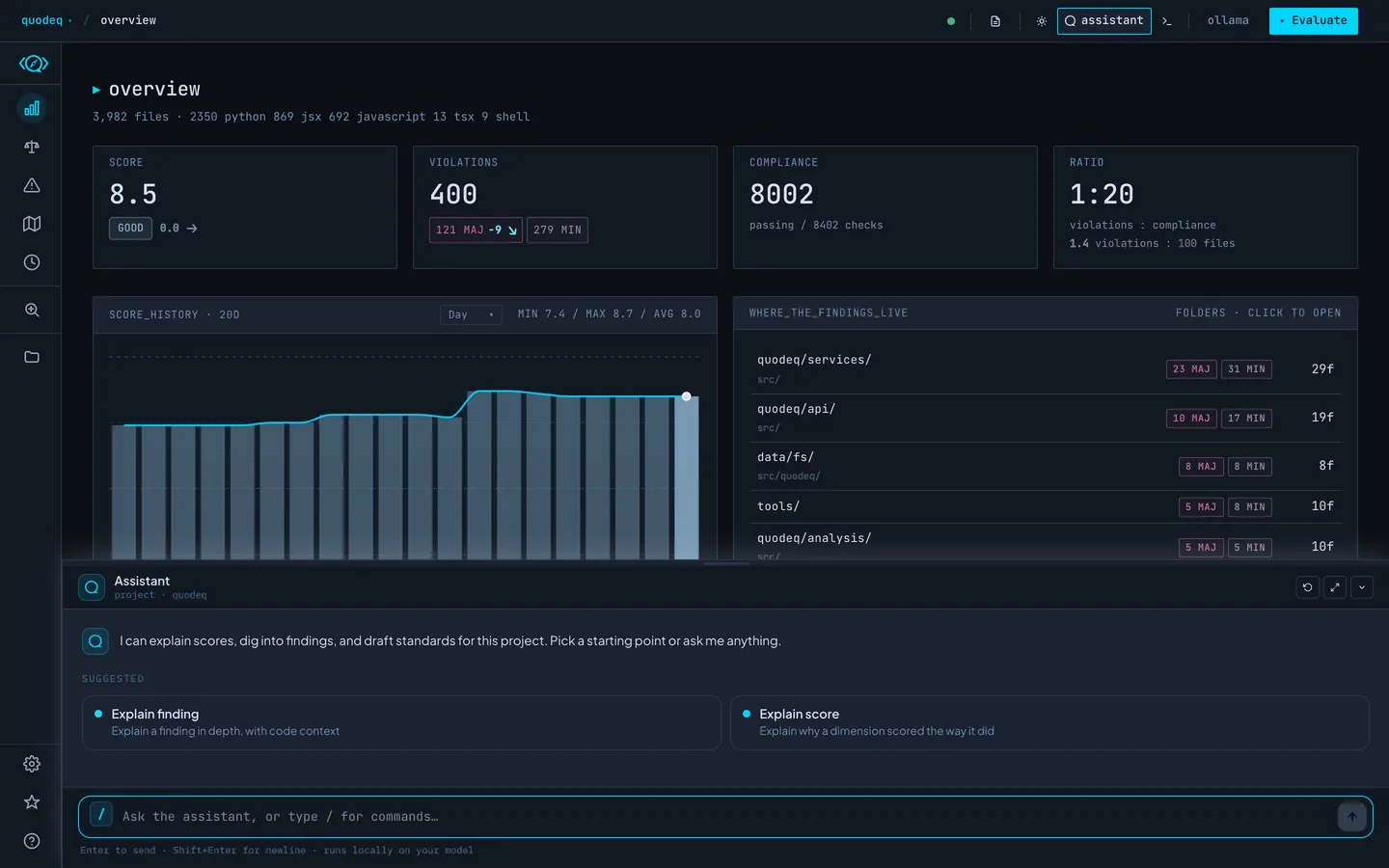
Opening it
On by default. Toggle it with Ctrl+` (Cmd+` works too on macOS). It lives in a resizable drawer at the bottom of the dashboard. To hide it, turn it off under Settings → Assistant.
What it can see
The assistant follows you around the app: it knows which project, run, tab, and dimension you are looking at, so why is this score low? needs no extra context. Its tools read scores, reports, and violations, search findings, and read files from the analyzed repository. All of them are read-only.
Actions need your approval
The assistant cannot change anything on its own. Ask it to dismiss a finding, verify one, or create a standard and it drafts the action as a preview card; nothing happens until you press Apply.
Slash commands and skills
| /help | What the assistant can do. |
| /skills | List the built-in skills: explain-score, explain-finding, verify-finding, create-standard. |
| /clear | Start a fresh conversation. |
Skills are guided workflows. The welcome screen suggests the ones relevant to the tab you are on.
Provider and privacy
By default the assistant uses your evaluation provider; pick a separate provider or model under Settings → Assistant. Cloud providers bill each message like any other call. Web search is off by default and only offered on local providers. Closing the drawer keeps the conversation; reloading the page starts a fresh one.