History & Trends
The app's built-in help for this screen, as shipped in quodeq 1.13.1. Edit this page on GitHub
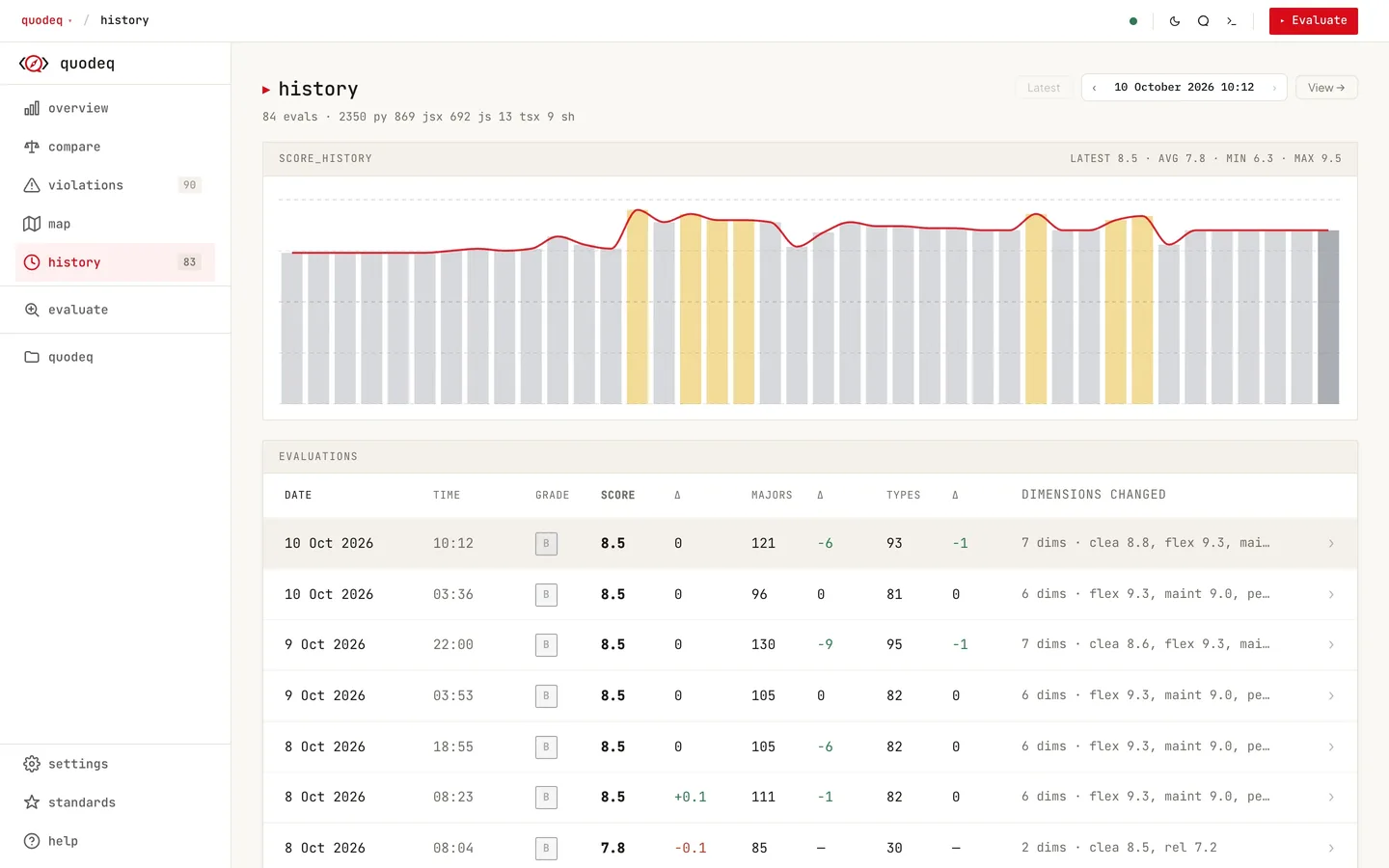
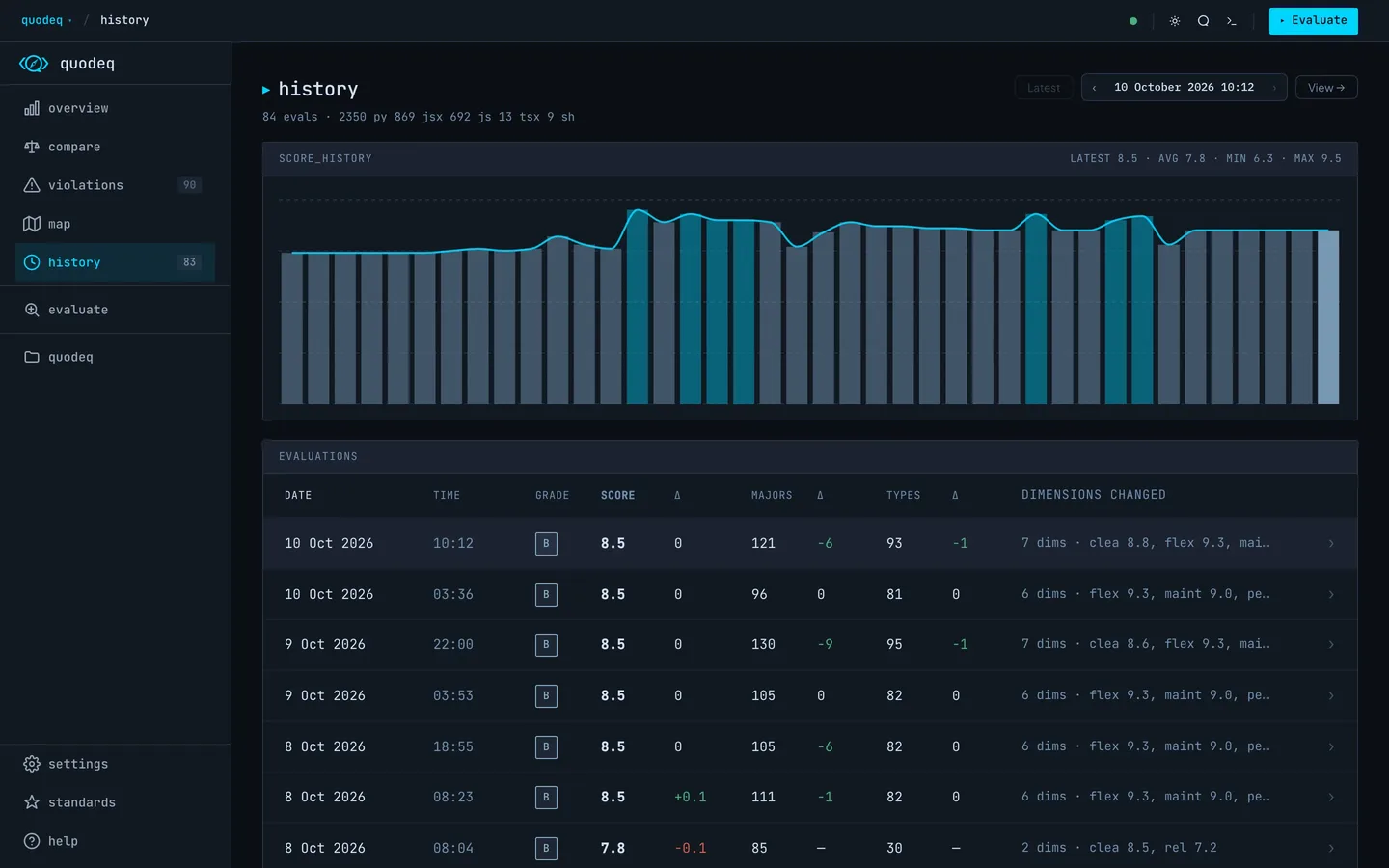
The History tab is your project's quality timeline. Every completed run lives there with its grade, score, and delta from the run before.
The run list
- Grade and score for each run.
- Delta against the previous run, so you can spot regressions immediately.
- Majors and types: the run's blocking findings (criticals plus majors) and its open types (distinct requirement codes with an open finding), each with the change against the previous run over the dimensions both runs scored. Down is good for both.
- Run metadata model, sub-agent count, scope, branch, duration.
- Tombstones deleted runs leave a marker so the trend stays continuous.
The trend chart
A small chart above the list plots each run's own score over time. Hover a bar to read the run's score, criticals, majors and open types; click to highlight that run.
Group the Overview chart by day, week, or month
The score history chart on the Overview groups runs per day by default. Use the selector in the chart header to switch to Week or Month. Each bar aggregates the runs of one period, tooltips carry the period label, and your choice is remembered across sessions.
If all your runs fit inside a single week or month, the chart suggests a finer grouping instead of drawing one lonely bar.
Run detail and the navigator
Clicking a run opens its Run Detail page: the same shell as Overview but locked to that single run. From there, the run navigator at the top lets you step previous / next / latest without going back to the list. Drill into any dimension and the Explorer keeps the run id, so you stay anchored to that snapshot.
Partial and cancelled runs
Cancelled runs that kept their partial findings appear with a partial tag. They count for trend purposes but the Run Detail page makes the partial state obvious so you do not over-interpret it.
Comparing across time
The Run Detail navigator is the fastest way to A/B compare. Open the dimension you care about in run N, hit previous, and watch the principle scores shift.